Team, roles and absences without spreadsheets.
Who can access what and who is away when - email invitations, roles and access for each person, leave approvals and remaining balances.
Everyone sees exactly what they should.
Internal people and clients have accounts in one list with a clear role. Who has access to which projects and sections is set in a single window.
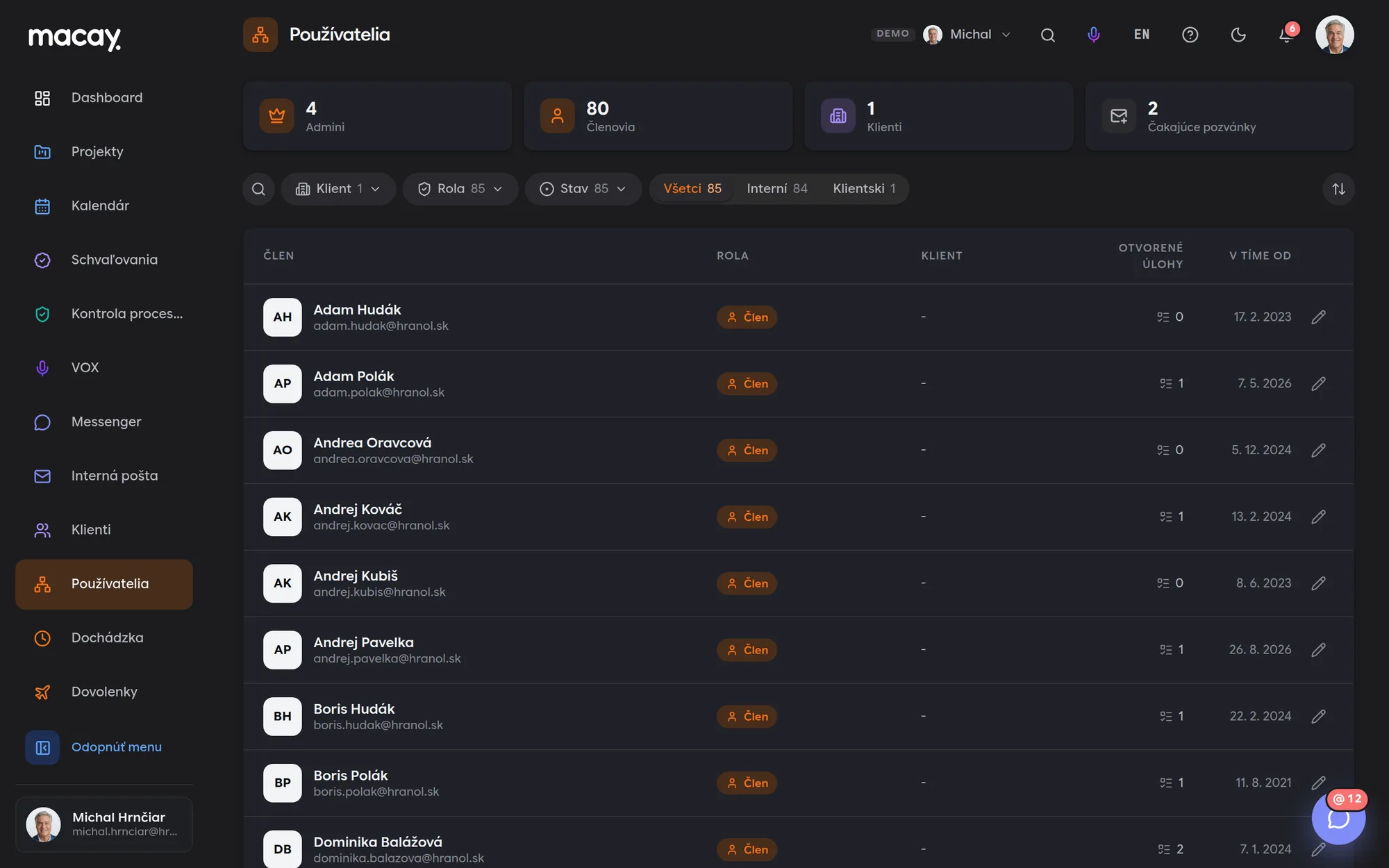
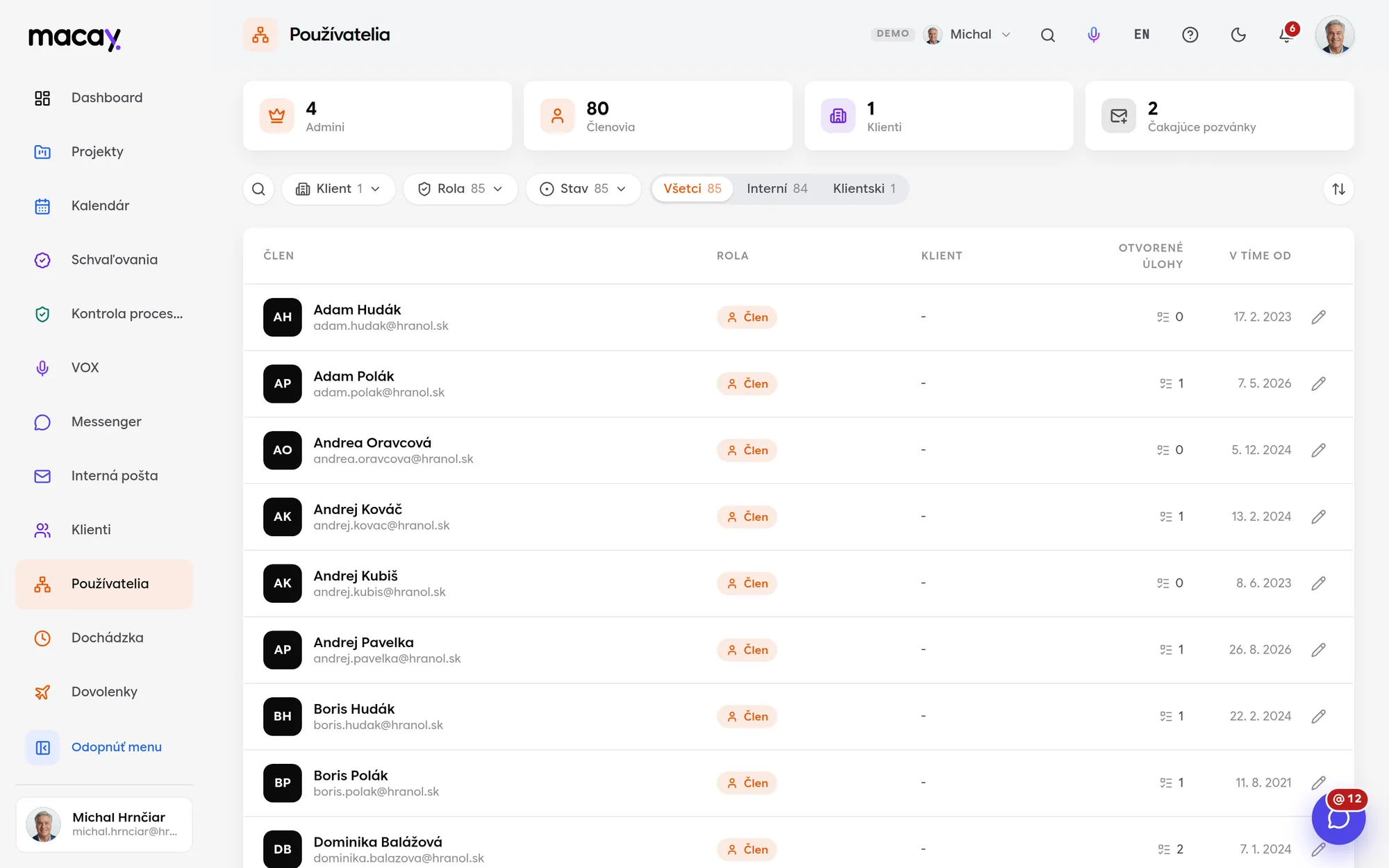
- 1Overview Admins, members, clients and invitations.
- 2Filters Role, client and account status.
- 3Role Color by permission level.
- 4Internal and clients Separate accounts with one toggle.
- 5Open tasks How much each person has in progress.
- 6Editing Role, projects and sections in one window.
E-mail invitation
A link to set a password arrives by email in Slovak or English. You see pending invitations with their expiry date and can cancel them.
Project access
A member sees only the projects they are assigned to. You select by client, or all of a client's projects in one click.
Visible sections
The accountant doesn't need VOX, the technician doesn't need Reports. Unchecked sections don't show up in that person's menu at all.
Client accounts
A client logs in with their own account and sees only their company's projects. Invoicing, expenses and internal documents don't reach them.
Who's away and when, at a glance.
Employees submit leave requests themselves, and the manager and HR approve them. The team calendar shows absences by department and warns you when too many people are away at once.
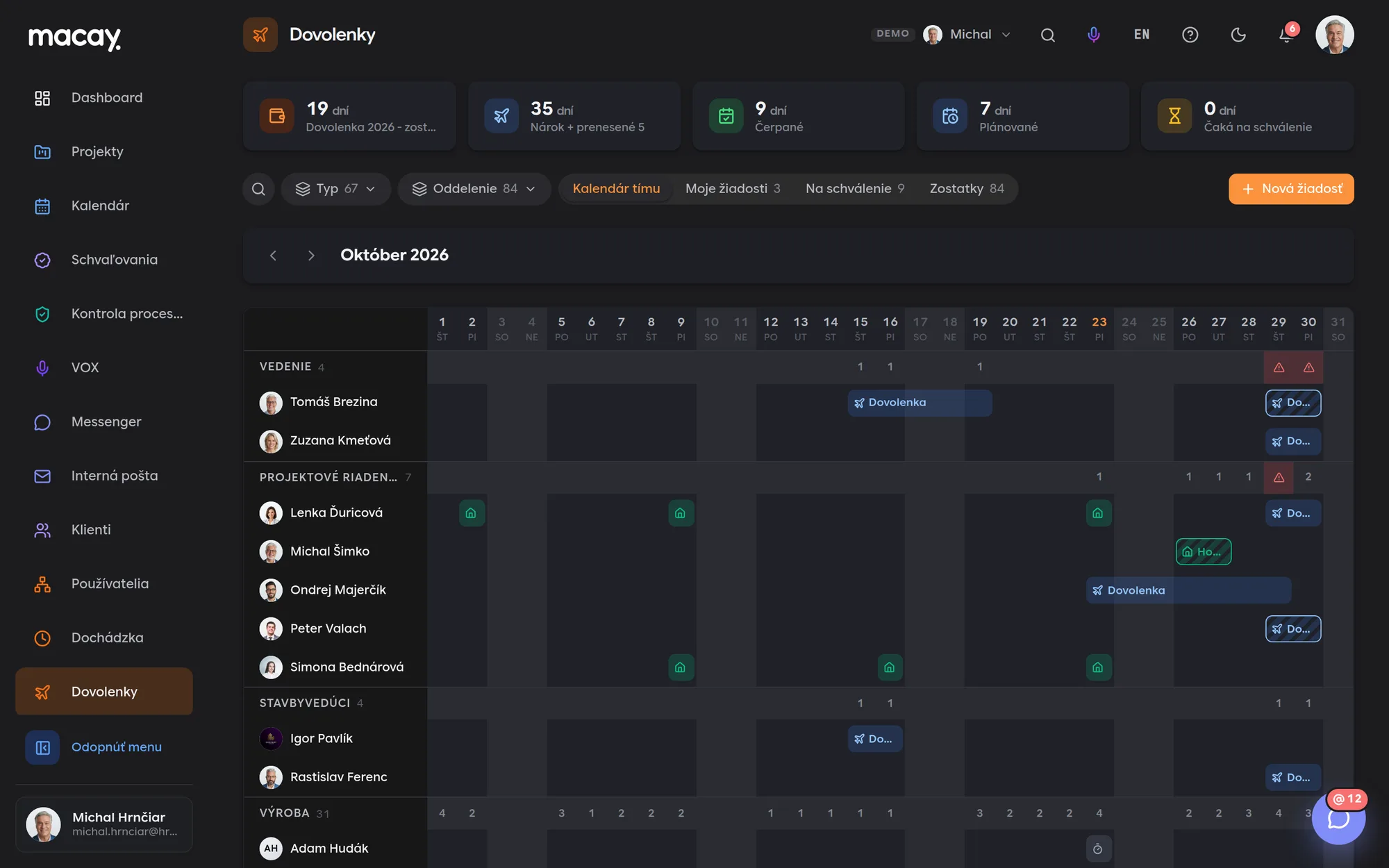
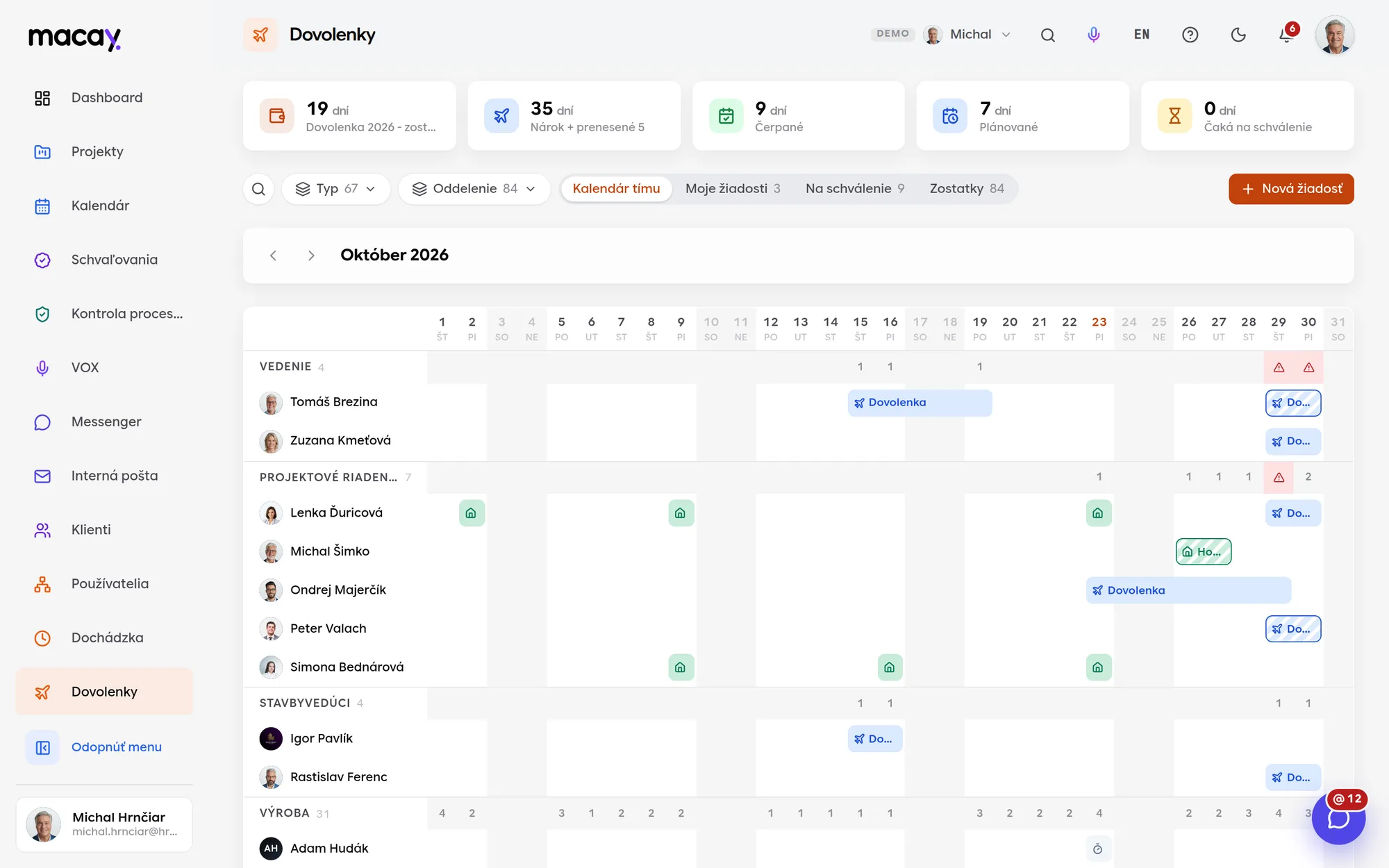
- 1Balance Entitlement, used, planned and pending days.
- 2Filters Absence type and department.
- 3Departments How many people are away on a given day.
- 4New request Type, dates, half day and a note.
- 5Conflict More than 30 % of the department away.
- 6Pending approval A hatched bar until a decision is made.
Six absence types
Vacation, sick leave, child care leave, home office, time off in lieu and doctor's visits. Each type has its own color in the calendar.
Leave balance
Entitlement, carried-over days, used, planned and pending. The system will not accept a request above the balance.
Conflict warning
If more than 30 % of a department is away on the same day, both the request and the calendar show it before approval.
Working days and public holidays
Only working days count toward a request. Slovak public holidays and Easter are included automatically.
We're happy to answer all your questions.
If you can't find what you're looking for, write to us. We'll answer specifically for your company and show it right in the system.
No. A client account sees only its company's projects, tasks, reports and files. Invoicing, expenses, internal projects and confidential documents are hidden from it.
You deactivate or archive the account. Tasks, comments and history remain, and the person's name stays in them.
Yes. Approved requests automatically appear in the monthly attendance timesheet. The absence is recorded in one place only.
Yes. Each employee has their entitlement and carried-over days in their profile. The default entitlement in the demo is 25 days.
Didn't find what you're looking for?
We build custom modules exactly around your process - on the same foundations as all the others.