Bye bye secretary,
hello VOX.
A voice assistant built right into MACAY. Say what needs doing - VOX transcribes the recording and suggests tasks with people and deadlines. They go into the project only after you approve them. We keep developing new VOX capabilities.
Say everything at once - VOX recognizes the individual parts and suggests tasks for the right people. You approve them in one click. The recording is saved together with its transcript.
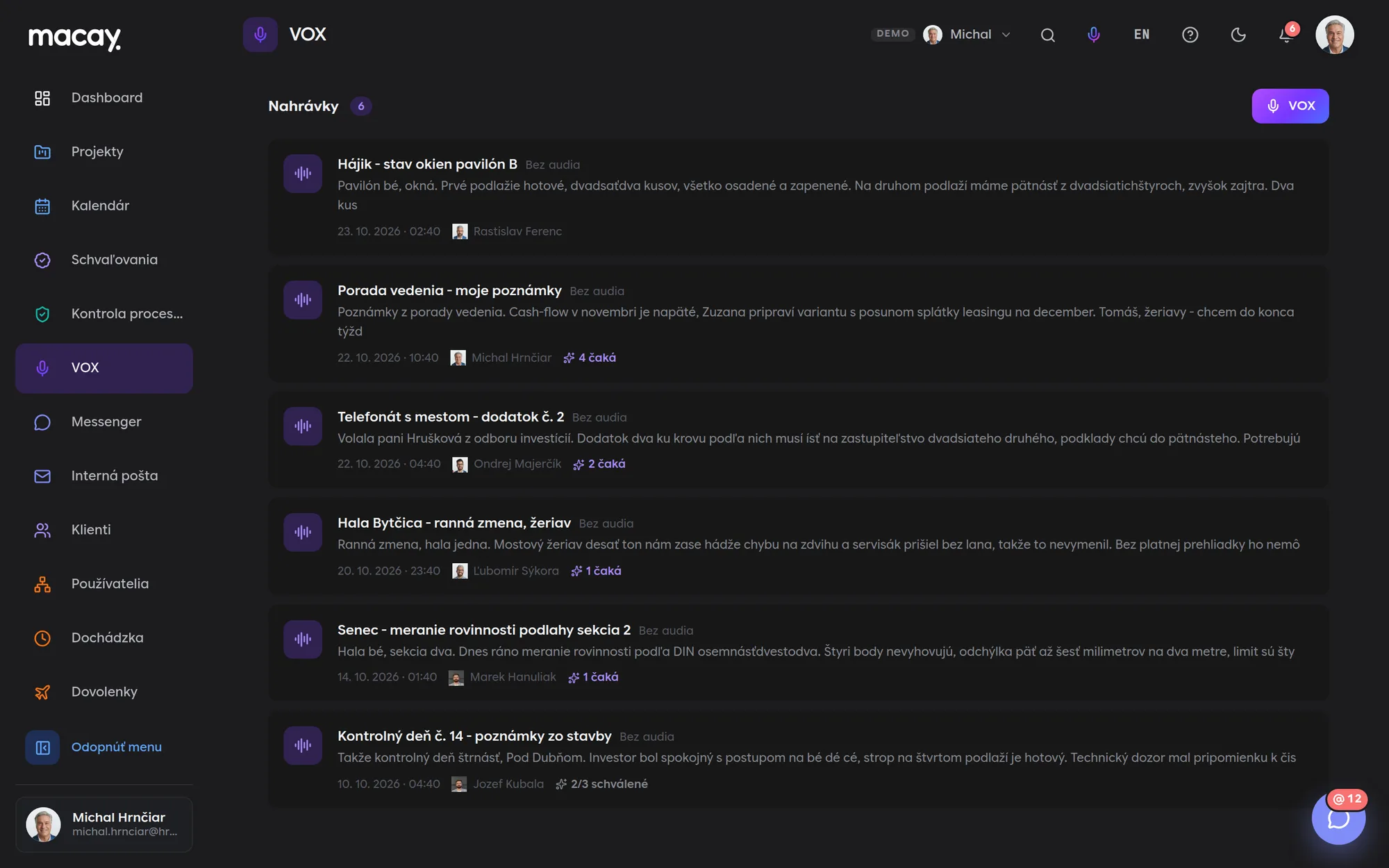
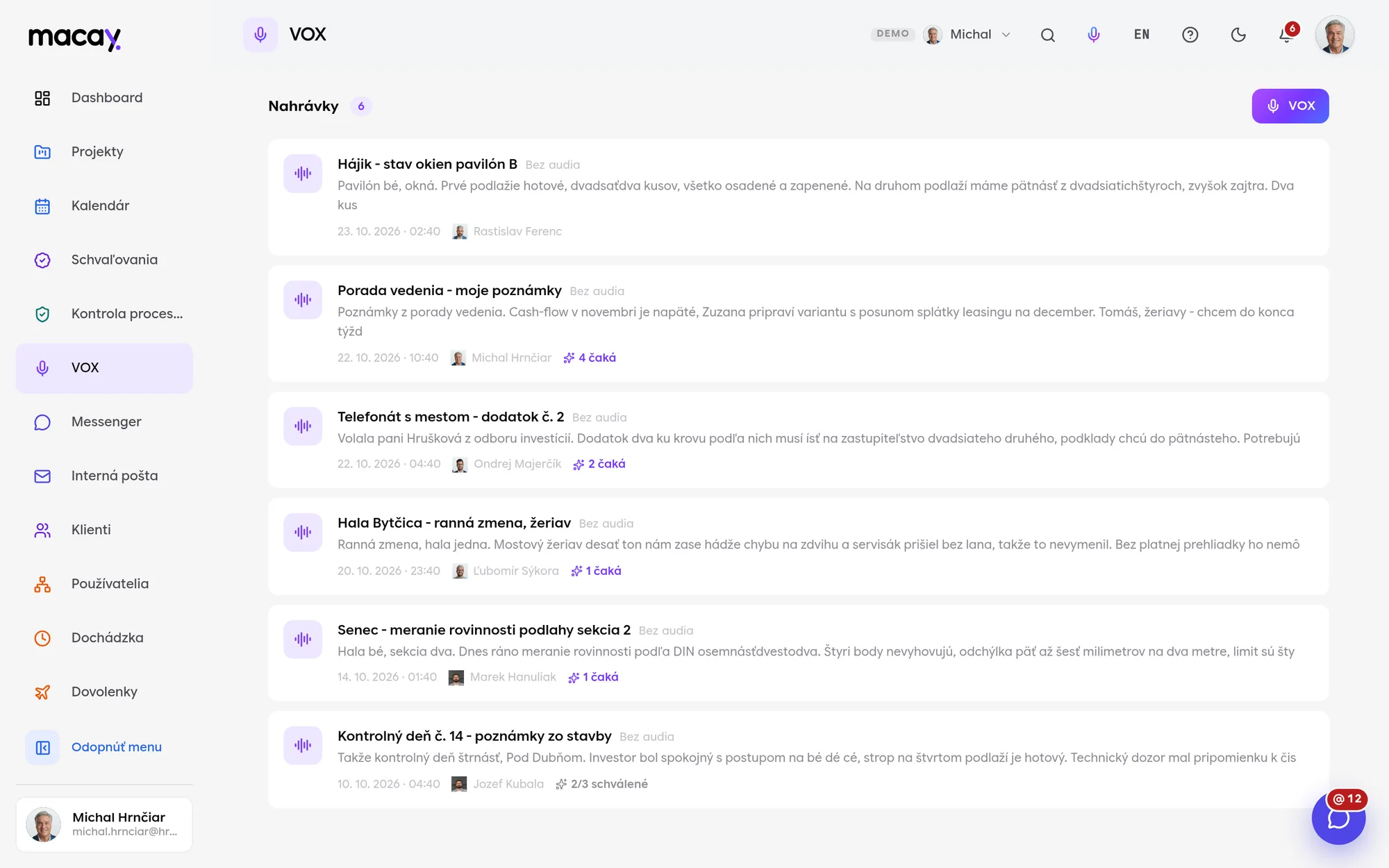
- 1Recording Title, who recorded it and when.
- 2Pending How many suggestions nobody has approved yet.
- 3Handled How many suggestions have already become tasks.
- 4Microphone Start recording from any page.
- 5Transcript The start of the text right in the list.
- 6From the field Dictate on site, in the car, after a meeting.
- 01
Recording
Click the microphone and say what needs doing. VOX records the audio and transcribes speech in Slovak or English at the same time. When you finish, the recording saves itself.
- 02
Task suggestions
You check and correct the transcript. The Suggest tasks button lets AI pull specific tasks out of the text - with a project, people, a deadline and a priority.
- 03
Approval
You edit and approve or discard each suggestion. Approving it creates a real task in the project with a link back to the recording.
AI suggests. People decide.
A suggestion from the transcript doesn't appear anywhere until someone approves it. The AI picks projects and people only from those already in your system.
Microphone always at hand
Start VOX from the top bar on any page. No need to look for a module or open a project.
Audio and transcript at once
While you speak, VOX records the audio and transcribes your speech. You can play back the recording in the detail view anytime.
The transcript can be corrected
You can edit the title and transcript by hand. AI works with what is in the transcript - correcting names and dates pays off.
AI task suggestions and summary
The transcript produces a short summary and a list of tasks. Relative dates like tomorrow or on Friday are converted to actual dates.
A task only after approval
An approved task lands in the first column of the project's first board, with assignees, deadline and priority.
Internal team only
Client accounts have no view into VOX. A recording can be deleted by its author or an admin.
Work from a meeting divided up in a few minutes.
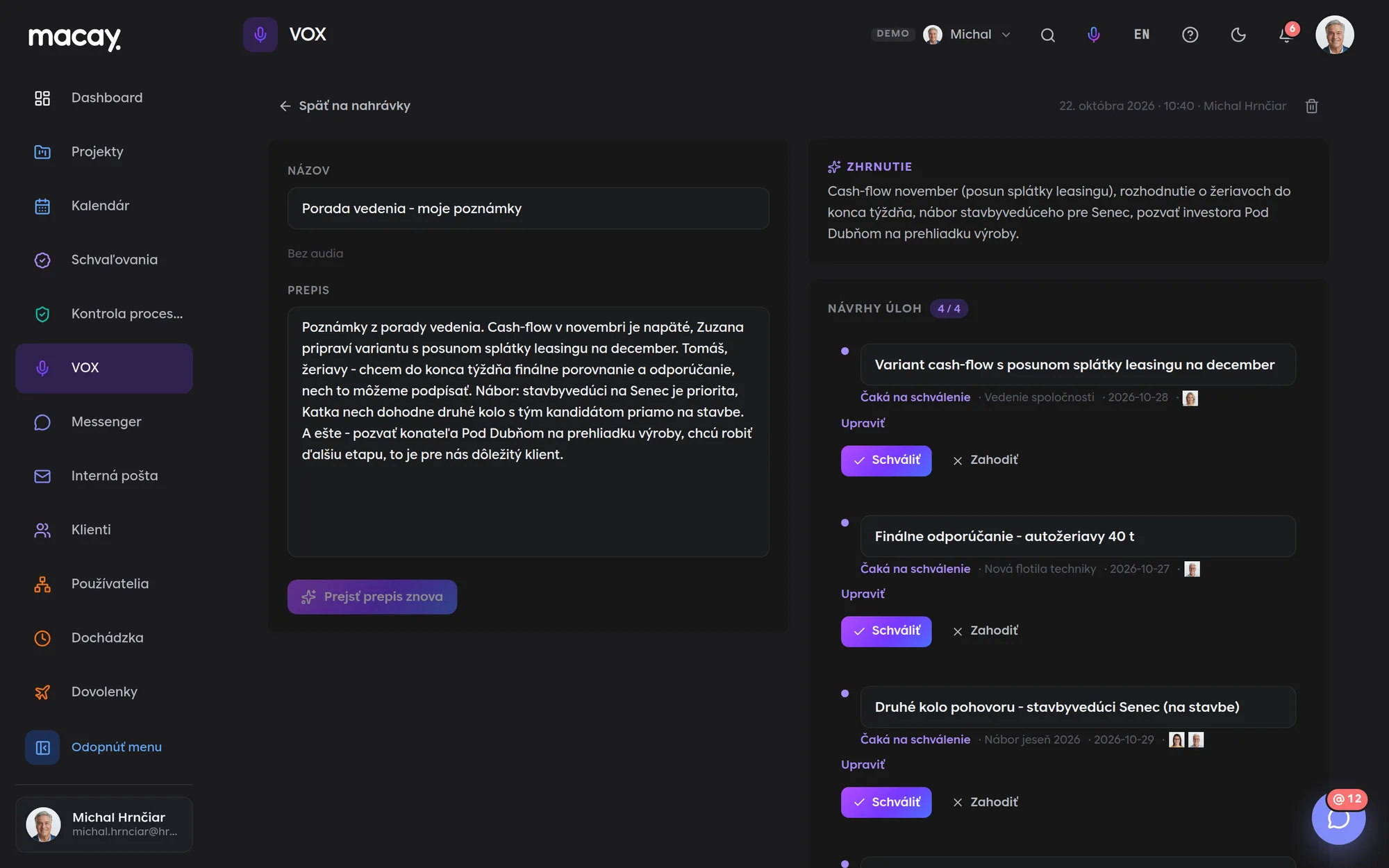
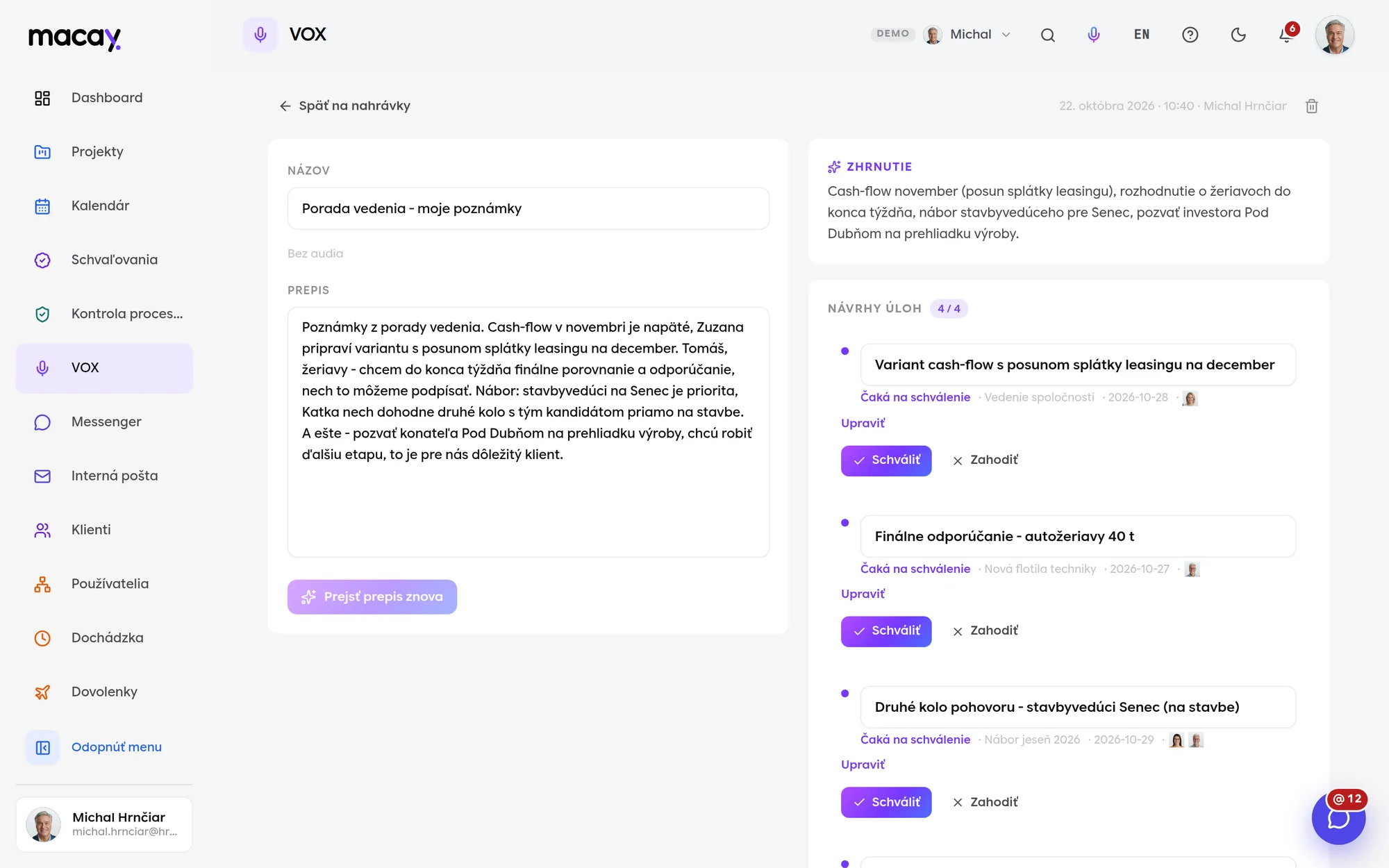
On the left is the recording and transcript, on the right the summary and task suggestions. For each suggestion you see the project, deadline, priority and who it is for.
Edit the suggestion - change the project, deadline, priority or people - and then approve or discard it. You can run the transcript through again if you've corrected it in the meantime.
An approved suggestion links to the task it created, and the task links back to the recording.
Construction and manufacturing
Notes from an inspection day or the morning shift straight from operations.
Management meetings
Meeting points are instantly split into tasks for specific people.
Sales and phone calls
What was agreed with a client or an authority stays on record, together with the tasks.
Field work
Technicians and foremen dictate instead of typing on their phones.
We're happy to answer all your questions.
If you can't find what you're looking for, write to us. We'll answer specifically for your company and show it right in the system.
No. AI only suggests. A task is created in the project only after someone from the team approves the suggestion.
Slovak or English, depending on the language set in your system. Transcription is done by the browser, so not every browser supports speech recognition.
In the demo, your transcript appears exactly as you said it. The tasks VOX shows in the demo are illustrative only and unrelated to what you said. AI task suggestions run in the live version.
The company's internal team. Client accounts have no access to VOX. A recording can be deleted by its author or an admin.
We'll show you VOX at your own meeting.
Tell us where your tasks come up today - on site, in the car or in a meeting - and we'll show you how VOX captures them.