Documents and domains under control.
Files organized by client and project, with comments right in the PDF and access only for those who need it. Domains with an overview of expirations and SSL status.
Documents seen only by those who should.
Contracts, invoices, offers and project materials are in one place in MACAY, sorted by client and type. Only you see a new document until you share it with specific people.
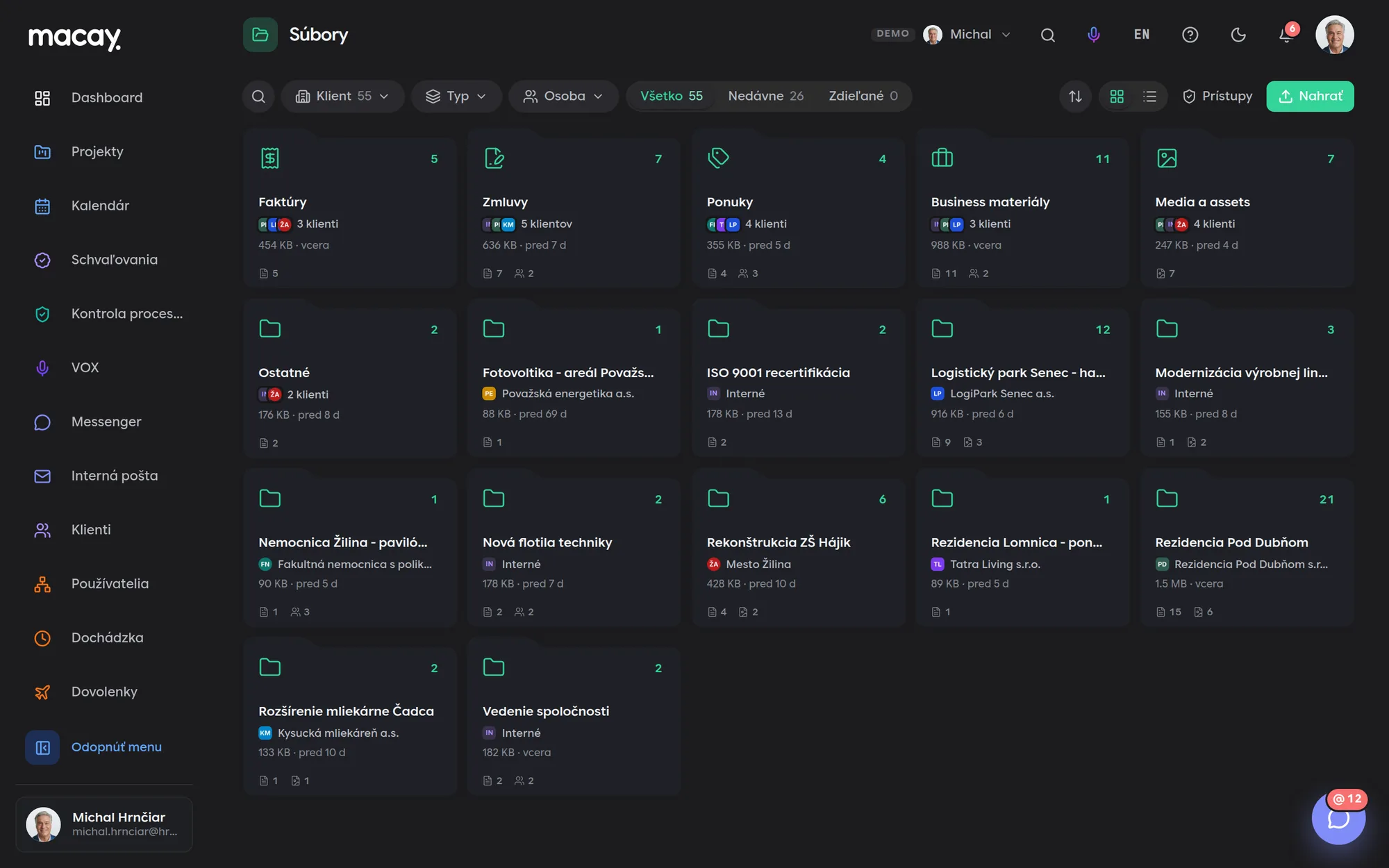

- 1Filters Client, file type and person.
- 2Types Invoices, contracts, offers, materials.
- 3Projects Task attachments in the project folder.
- 4Shared What someone has shared with you.
- 5Access Who has access to which file.
- 6Overview Size, count and last change.
Comments on the exact spot
In a PDF, select text, drag a frame around part of a page or click a point. The comment shows exactly what it refers to.
A note or an error
A green note is a regular comment, a red one marks an error that needs fixing. The color is visible right in the document too.
Threads and resolved
Comments are answered in a thread. Mark a finished thread as resolved and it stays out of the way.
One summary e-mail
Comments aren't sent out one by one. People with access get a single summary email; if you don't send it yourself, it goes out within 10 minutes.
No domain expires silently.
All company and client domains in one table, sorted by which expires first. For each one you see the registrar and the SSL certificate status.
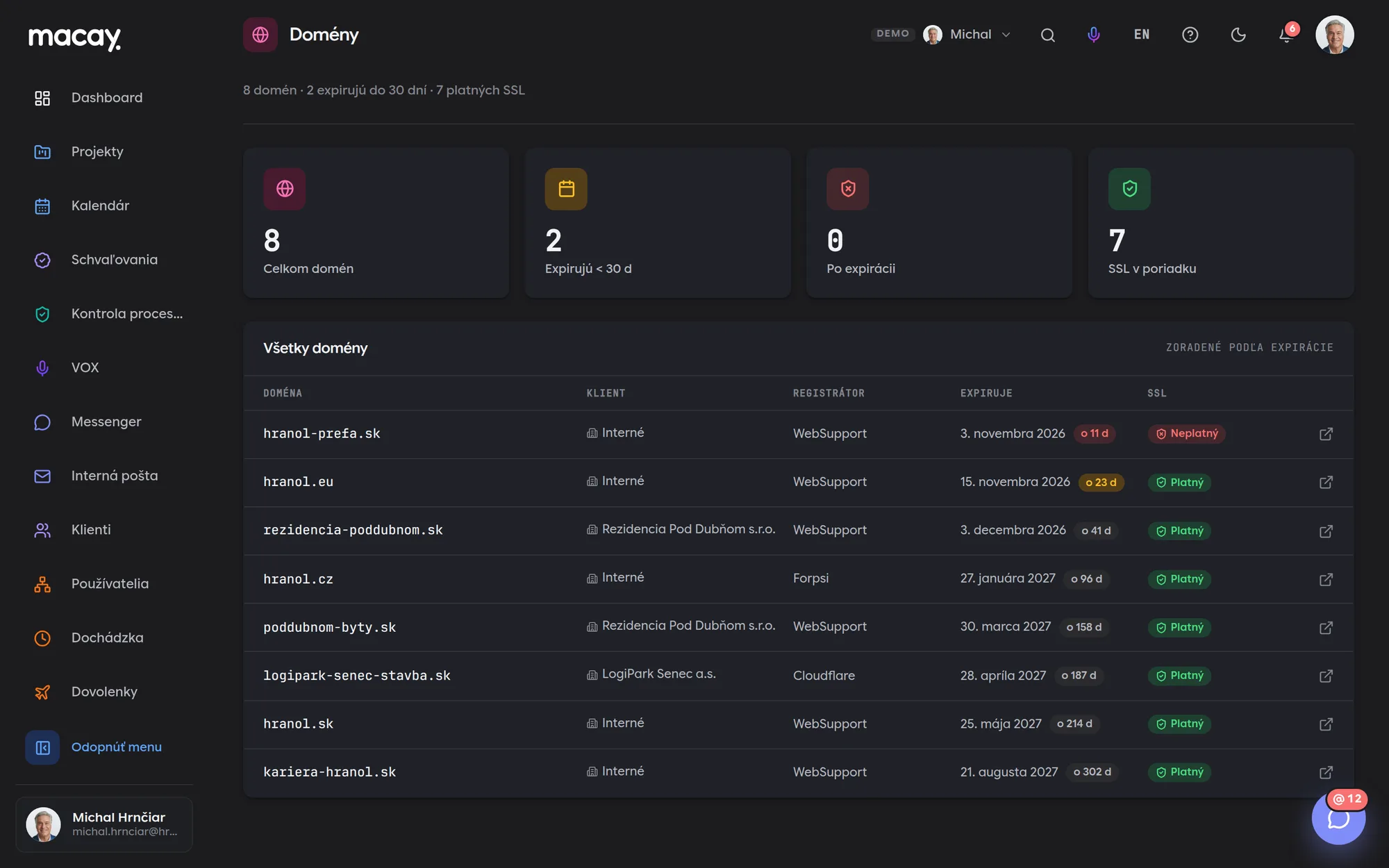
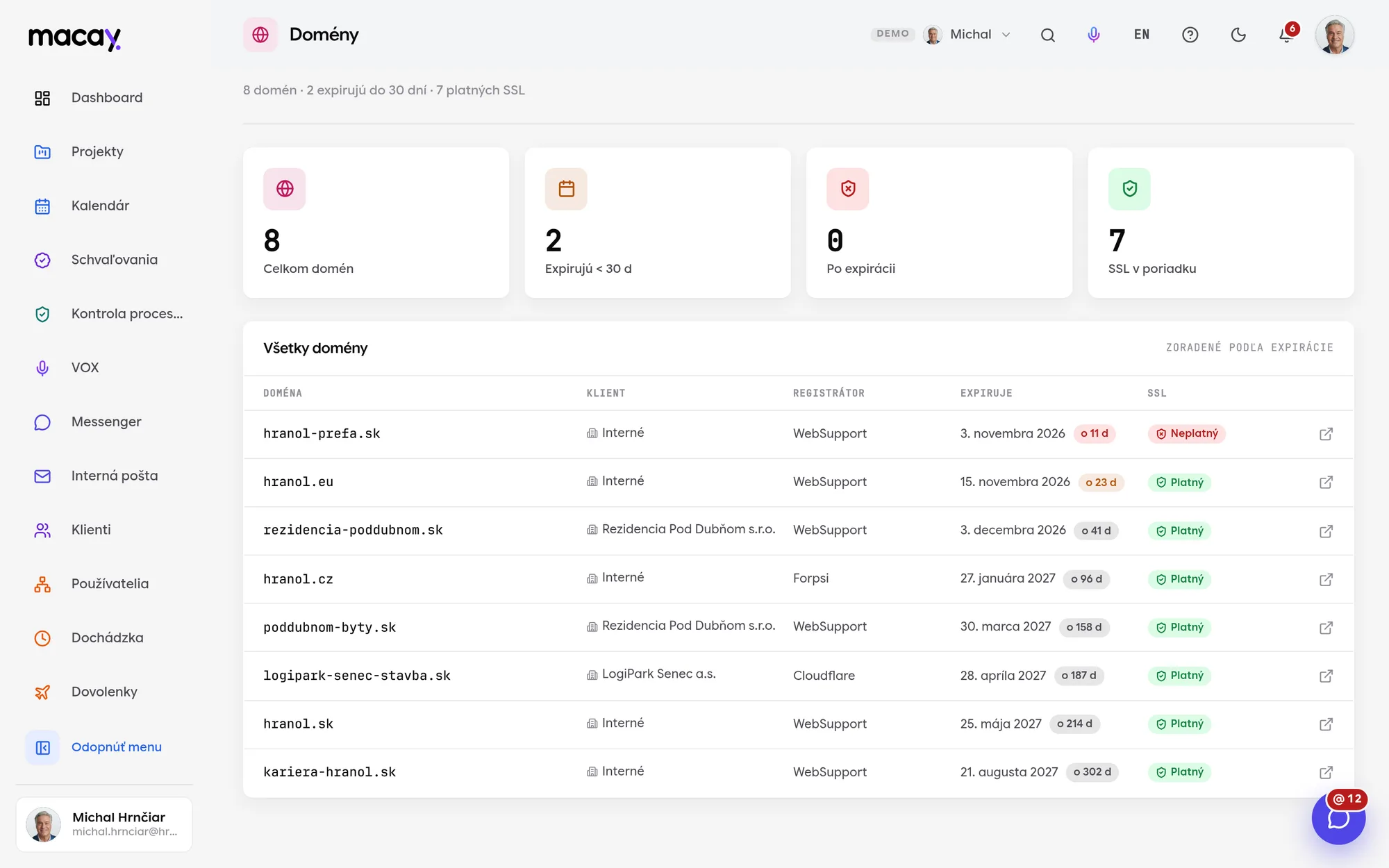
- 1Summary Number of domains, expirations and SSL.
- 2Domain The nearest expiration is always on top.
- 3Client Internal domain or client domain.
- 4Registrar Where the domain is registered.
- 5Expiration Date and color-coded day count.
- 6SSL Valid, expiring or invalid.
Sorted by expiration
Domains that expire soonest are always at the top. Each shows the date and the number of days until expiry.
SSL certificate status
Valid, expiring within 14 days or invalid. You see at a glance where a website will stop being secure.
Registrar
Each domain shows its registrar, so you know where to go when renewing.
Company and client
A domain belongs to the company or to a specific client from the Clients module. An overview for agencies and in-house IT alike.
Proof that the document is exactly the one you signed.
Notarization writes the fingerprint of a contract, protocol or certificate to the blockchain at the moment of upload. Later, anyone can verify that no one has changed the file - while the document itself stays only with you.
We are developing notarization as an extension and enable it per project for the records you need to protect. Only the record's fingerprint (hash) goes to the blockchain, not its content or personal data.
- Tamper-proofOnce recorded, a fingerprint cannot be changed or deleted - not by us, not by an administrator.
- TransparentVerification is public. An auditor, inspector or court doesn't have to trust us or you.
- TimestampProof that a record existed at exactly that time and has not changed since.
- No personal dataOnly the fingerprint goes on the blockchain. The content stays with you, in line with GDPR.
We're happy to answer all your questions.
If you can't find what you're looking for, write to us. We'll answer specifically for your company and show it right in the system.
In the demo, file versions aren't stored yet - a new file is uploaded as another document. We keep developing document versioning and finish it to fit each client.
No. A confidential document is seen only by its owner and the people they shared it with. Only the system superadmin has full access.
In the demo, the module tracks the registrar, expiry, client and SSL status. DNS record management or a connection to your registrar is handled as a custom-built project.
In the demo, an upcoming expiration shows up on the dashboard and in the domains table. We set up email or push reminders before renewal to fit your company.
Didn't find what you're looking for?
We build custom modules exactly around your process - on the same foundations as all the others.